Required
POS tablet
An Android tablet with Google services. One at the counter is enough; up to six per location.
- Where from
- Anywhere you buy tablets.
Hardware
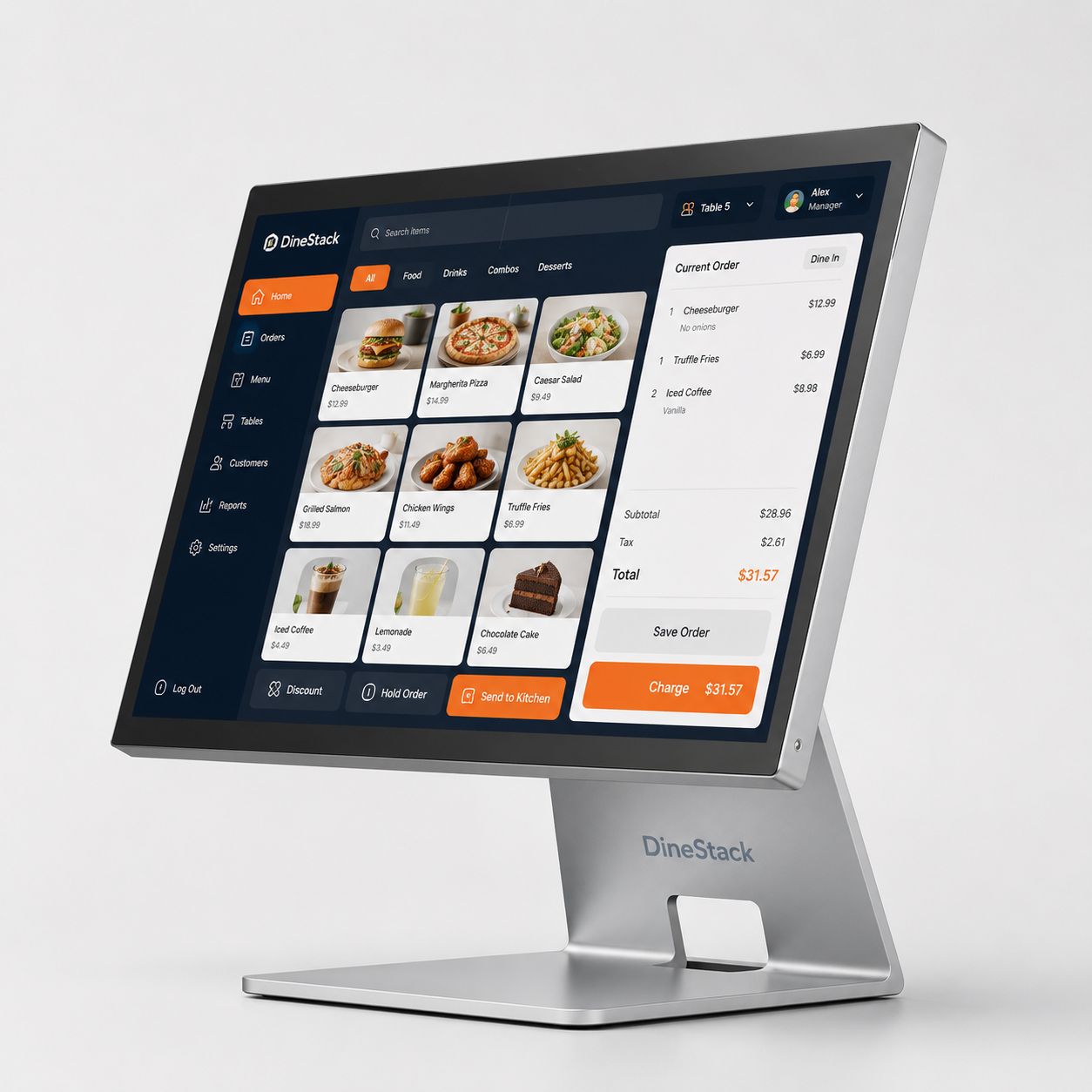
DineStack runs on supported Android hardware, so you can use your own devices or follow our recommended counter setup. The product is the software and the operating model — not a locked terminal.
Concept render
What you need
No model list and no prices. A list like that is out of date within a season, and we would rather not be the reason you bought the wrong thing.
Required
An Android tablet with Google services. One at the counter is enough; up to six per location.
Optional
The same kind of tablet, in kitchen mode. A busy counter can also run one tablet in both modes.
From your provider
A Bluetooth reader paired to the tablet. In Canada, one with chip and PIN for Interac.
No hardware
Where the tablet or phone has NFC, cards can be taken on the device itself with no reader at all.
Bring your own
Any independent card terminal — the one from your bank is fine. It does not talk to DineStack; you take the payment on it and record what happened.
Not yet
The receipt itself and the print queue are built; the driver that talks to a physical printer is not. Many counter restaurants no longer print at all.
If you deliver
An Android phone, if you run your own delivery. The driver’s own phone is fine.
Certification
We will not tell you something is certified when it has not been proven on a physical device. This is the whole list, including the parts that are not there yet.
Setup
In the owner dashboard. It gives you a short setup code.
That is the whole process, and it is the same one for a POS, a kitchen screen or a driver phone.
Good for fifteen minutes, and for one device.
Every terminal ends up with its own credential, so losing a tablet means revoking that tablet — not re-provisioning the restaurant. Everything it already recorded stays exactly where it was.