Book a demo
See it on a real tablet
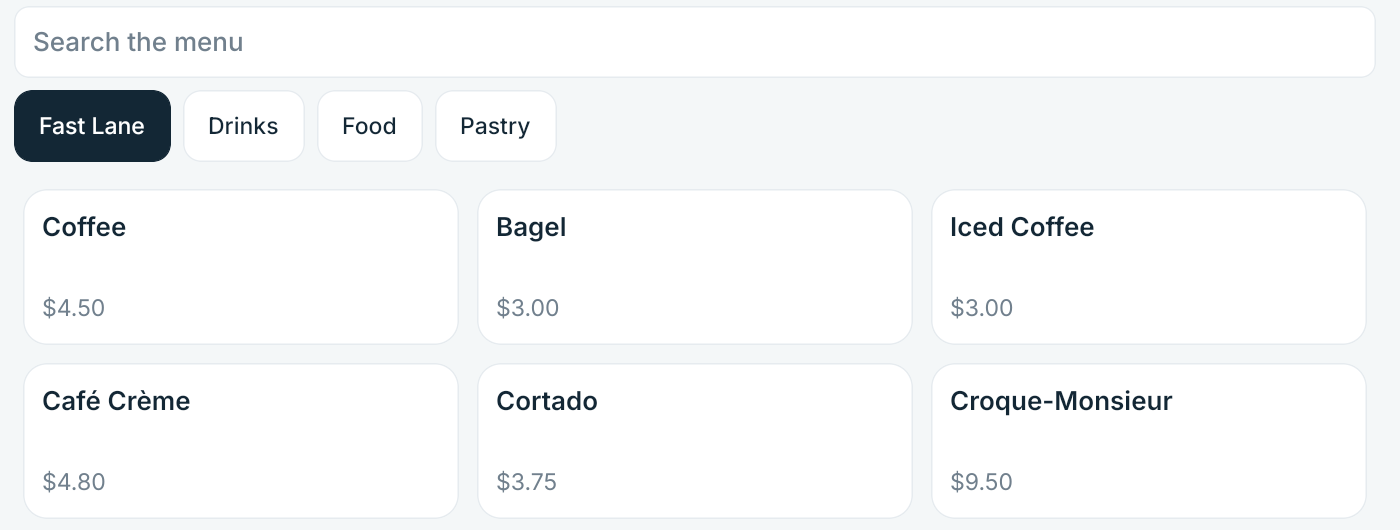
Half an hour, no slides. We ring up an order on the tablet, fire it to a kitchen board, take a payment, and then trace that one order through to what a bank deposit would have to match.
The call
What happens on it
Four things, in this order, on the build we would put in your restaurant.
You watch, not a video
A tablet, a kitchen screen and the owner dashboard. If something is not built yet, we say which and why rather than skipping the question.
We pull the network
Mid-order, on purpose. You see what the till does when the internet goes, what it says while it is gone, and what happens when it comes back.
We follow one order to the money
Ticket to payment to what reconciliation says about it. That trace is the reason DineStack exists.
You get the price in one sentence
$149 a month for the location. No setup fee, no contract, nothing taken from your card payments, and no quote to wait for.
What we would ask
Seven things about your restaurant
So the walkthrough is about your restaurant rather than a tour of every screen.